 Vocabloot
Get Vocabloot on Android
Vocabloot is in closed testing. Join our Google Group once and you're in. About 2 minutes, one time.
Find Your Play Store Email
This is the email you MUST use to join the Google Group. Open the Play Store app, tap your profile icon in the top right, and note the email shown.
What you'll see
Open Play Store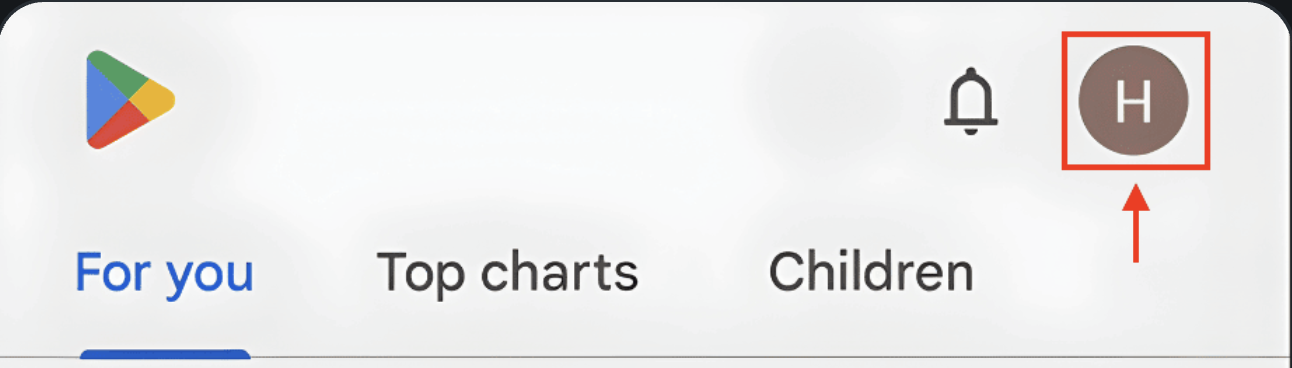
Not on your phone? Open the Play Store app from your home screen instead.
This is usually your primary Google account.
Join the Google Group
You'll be approved instantly!
You MUST join with the SAME email you use in the Play Store, or you'll get errors when testing.
What you'll see
Join Google Group ↗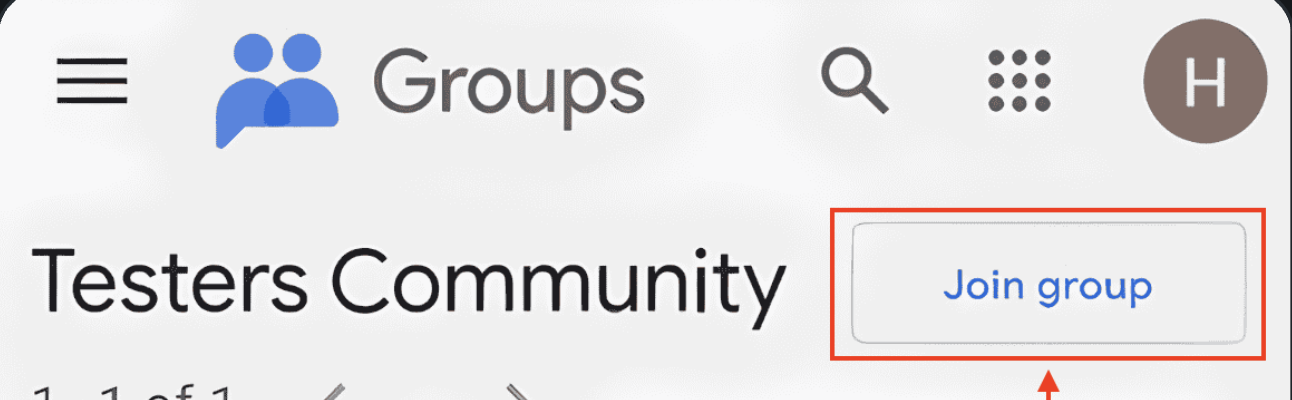
https://groups.google.com/g/snavotesters
Verify & Complete
If this shows up later, the join didn't finish, or the email doesn't match your Play Store:

How to fix if you get this error
Check the group page says you're a member. Member, but a different email than step 1? Leave and re-join with that one. Then give Google 5 minutes.
Can't join with your Play Store email?
Play checks a Google account, not an email. In the Play Store, tap your profile icon and switch to (or add) the account you joined with.
Troubleshooting
Installing from Google Play? You're done. Hit a snag? Fixes below.
Open the install page againJust joined? Google needs a few minutes to sync. Wait five, then reload.
Seeing this error?
- Check the group page says you're a member
- Same email as your Play Store (step 1)? If not, leave and re-join with that one
- No Gmail? Play needs a Google account, not just an email
Still stuck? Talk to us
We'll sort it out fast. Feedback earns a free year of Premium.
Chat with us on Discord Report the problem