
Press kit
Vocabloot
Snap anything, learn the word. A camera-first vocabulary app.
Links
- App Storeid6792888619
- Google Playcom.tntstudios.snaplingo
- Websitevocabloot.com
- Studiostudio.vocabloot.com
- SupportHelp centre
- Developernirmaljeffrey.dev
- LinkedInnirmal-jeffrey
Download on the App Store Get it on Google Play Press kit .zip
What is Vocabloot?
Vocabloot is a camera-first vocabulary app: point your phone at any object and it gives you the word in the language you're learning, then saves it with the photo you took.
A word on a flashcard can be difficult to hold on to when there is no personal context attached to it. Vocabloot gives each word a place, image and moment from your own life to remember it by.
Vocabloot starts at the other end. You point your camera at something in front of you, whether the mug, somebody's dog or the plant on the windowsill, and it tells you what that thing is called, how to say it, and what it means. It works on images you didn't take, too: share anything in from another app and it loots the word out of it. Each word is kept with its photo and date, so your vocabulary becomes a record of what you actually looked at, and it stays yours, since nothing is stored on Vocabloot's servers and the whole wordbook exports to a file you keep.
Who is it for?
Adults and students aged 13 and over, including teenagers and families learning together, can use Vocabloot while living abroad, travelling, studying, or simply wanting the names of things at home. Because every word starts as something you photographed, Vocabloot is strongest on concrete everyday vocabulary: what's in a kitchen, on a street, in a shop. It is not a grammar course and not a way to drill abstract exam vocabulary. It is for the words you keep pointing at and not knowing.
Why it started
Vocabloot grew out of Nirmal's move from South India to Munich. As he learned German, lessons and language apps helped with structured study, but the vocabulary of ordinary life accumulated more slowly: the names of things in his apartment, objects in shops, and details he noticed while moving through the city. These were useful words, but without a personal moment or image attached to them they were easy to forget.
That experience shaped Vocabloot. Instead of beginning with somebody else's word list, the app begins with what is in front of you. You photograph something you want to name, learn the word in context, and keep it with the image that made you curious in the first place. Over time, those captures become a personal wordbook built from the places you go, the things you use and the life you are already living.
Who made it?
Vocabloot is made by a three-person Vaazh Studios team across three cities. Nirmal Jeffrey Bernard Wilson in Munich leads all technical development and shares product direction with Phravin Xaviour. Phravin, based in San Francisco, shares product direction with Nirmal and leads marketing, positioning and go-to-market. Nivas, based in Chennai, leads the app's visual and interaction design. Nirmal previously shipped PoseStudio, an AI photo-posing guide, in July 2026. Vocabloot is built on Kotlin Multiplatform so iOS and Android share one codebase.
How much does it cost?
Vocabloot is free to download. Premium lifts the daily cap to unlimited use, subject to a fair use policy.
Free
$0
6 snaps on your first day, then 2 per day.
Monthly
$7.99/month
Unlimited use, fair use policy applies.
Yearly
$19.99/year
Unlimited use, fair use policy applies.
Premium covers unlimited snaps, spoken audio, tap-for-meaning, the eight games, Home and Lock Screen widgets, wordbook backup and restore, and switching your learning language with saved words retranslated.
Features
Camera
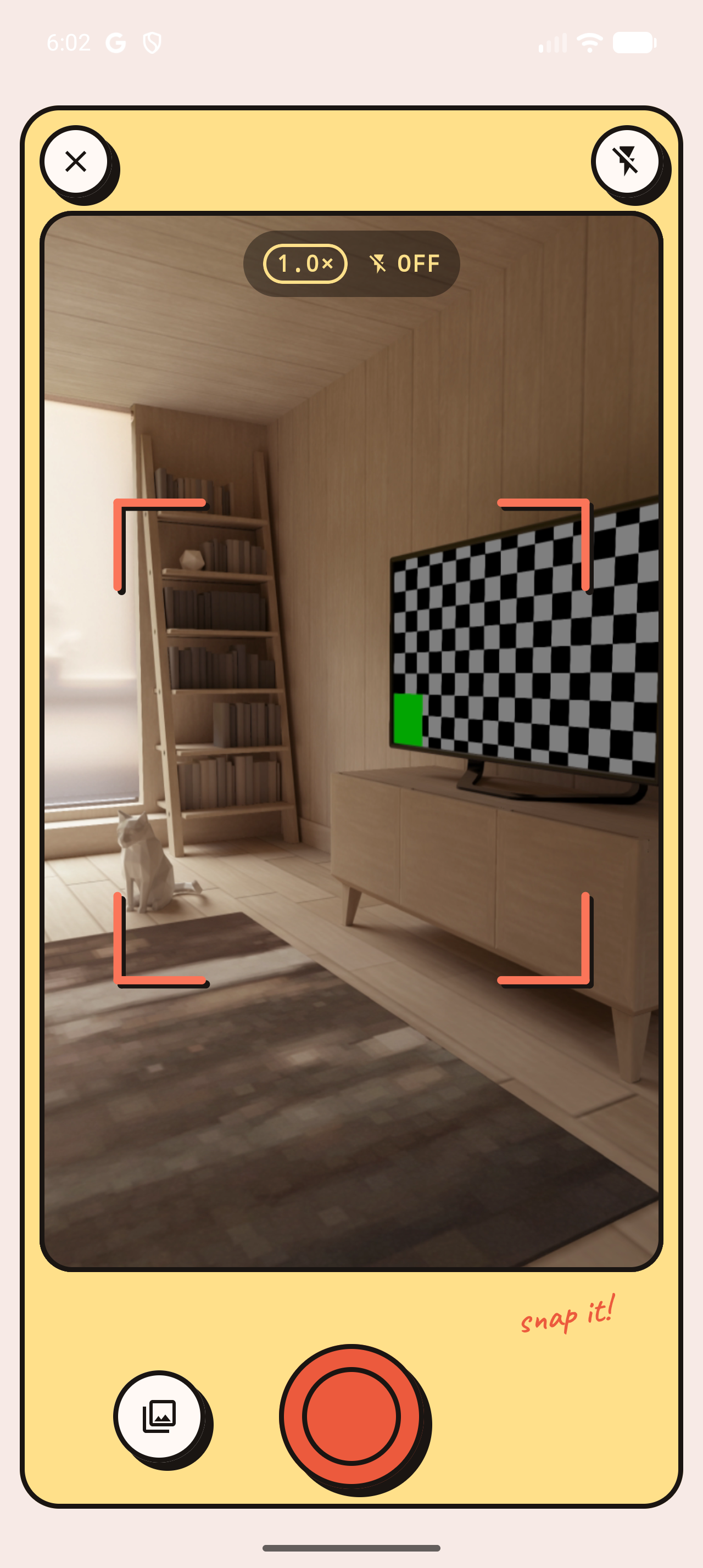
Point at any object and get its name in the language you're learning, with a definition and an example sentence.
Loot from other apps
Share a photo or a link into Vocabloot from anywhere, whether Instagram, Photos, Safari or Messages, and it pulls the word straight out of that image. The camera is not the only way in.
Hear it, then pull it apart
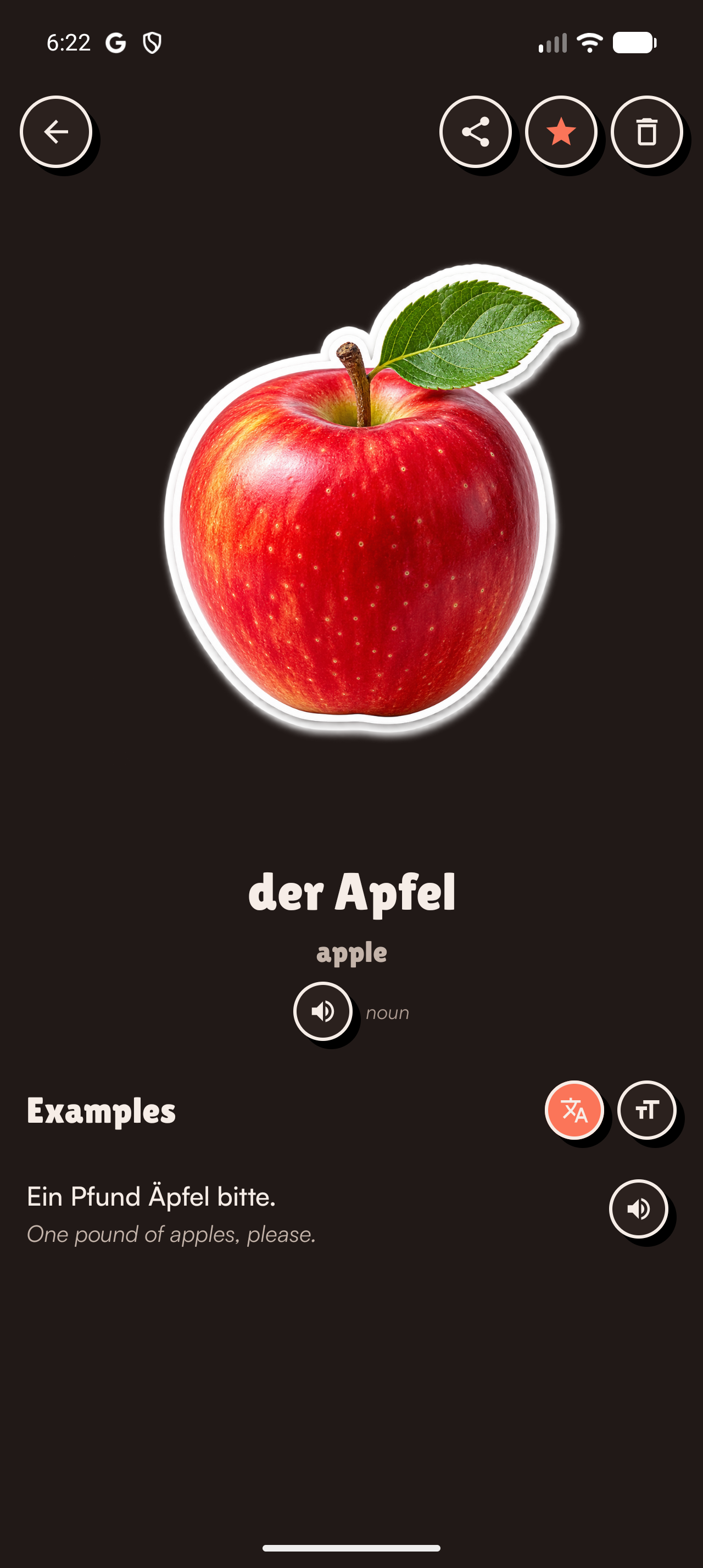
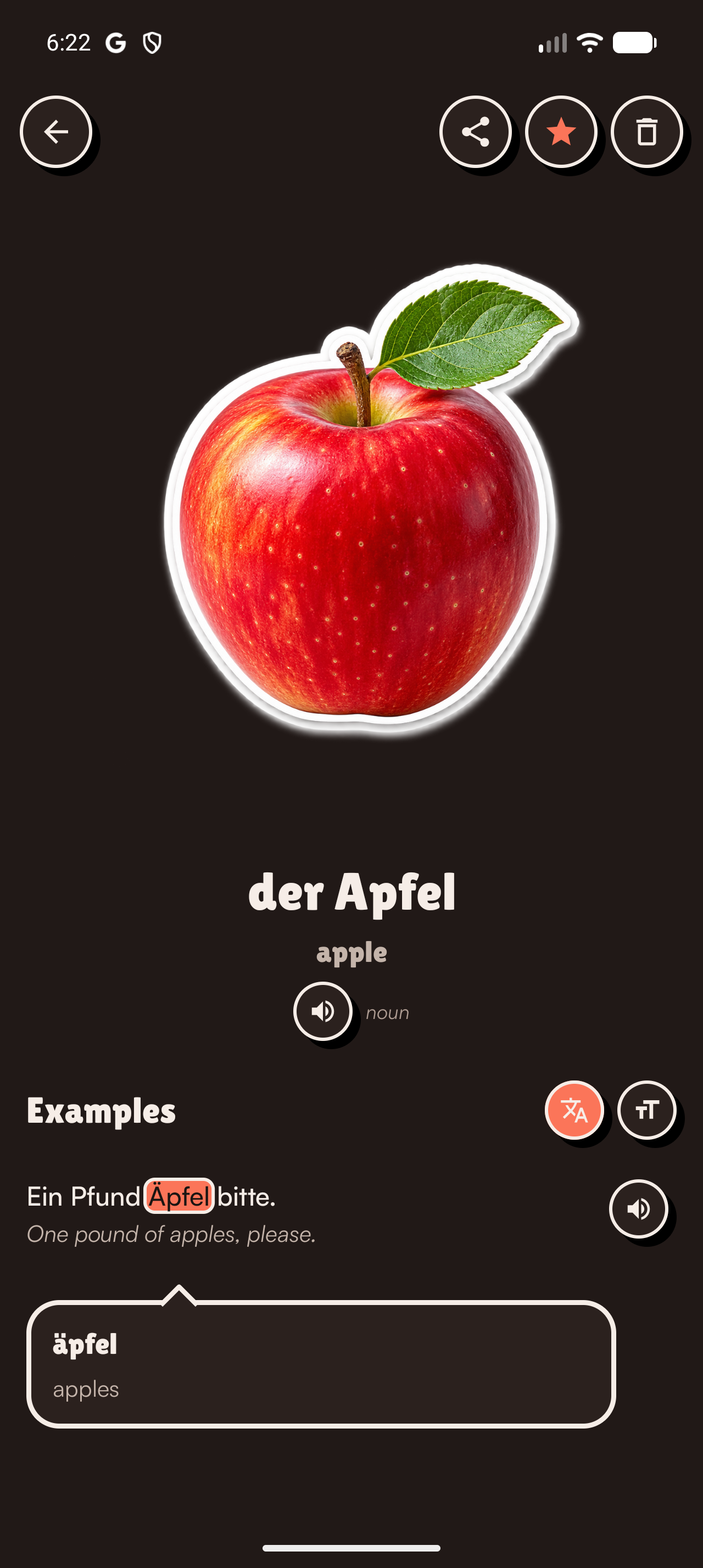
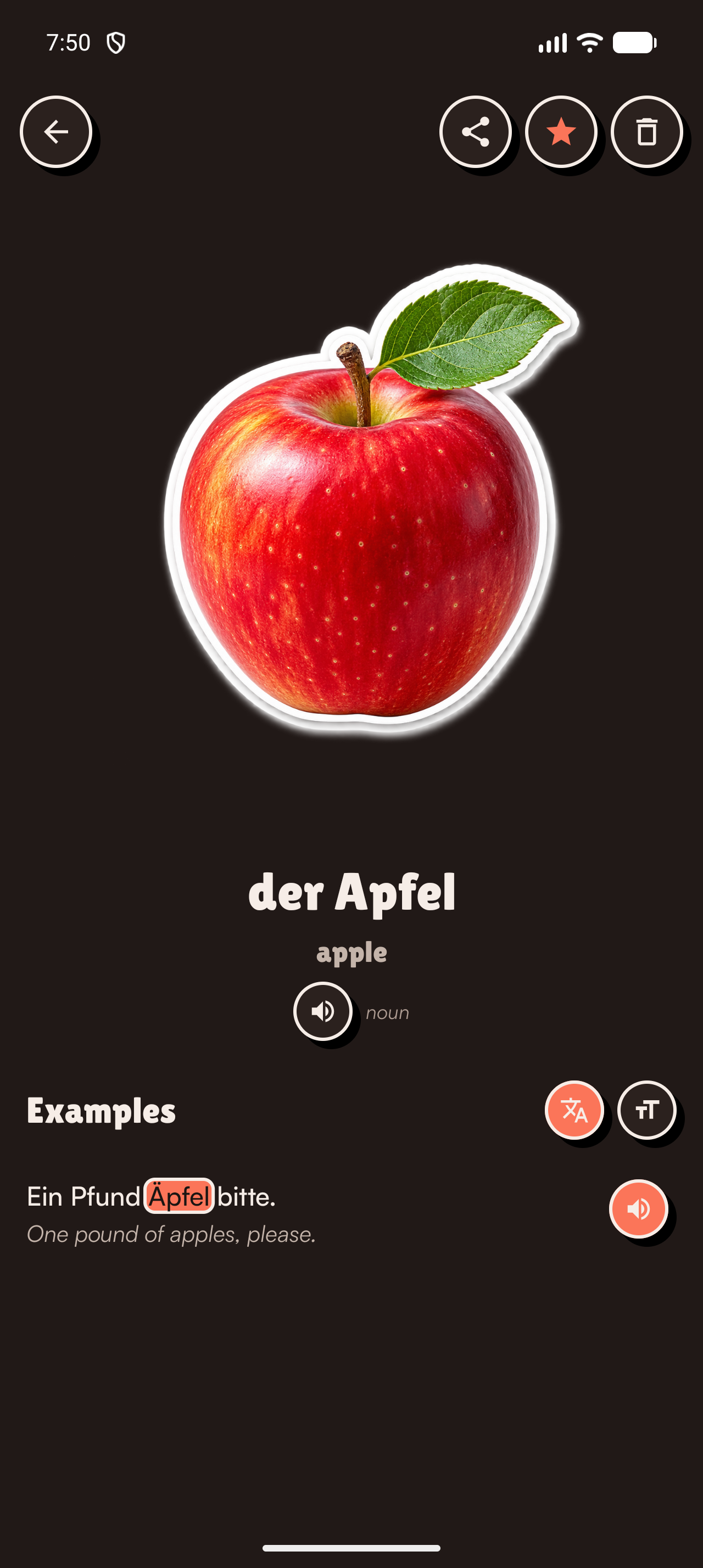
Words and example sentences are spoken aloud, with the text highlighted word by word as it is read. Tap any word in a sentence to see what that one means and what part of speech it is, so an example isn't just a sentence you can't parse. Translations can be hidden while you try, then revealed.
Eight games, built from your own words
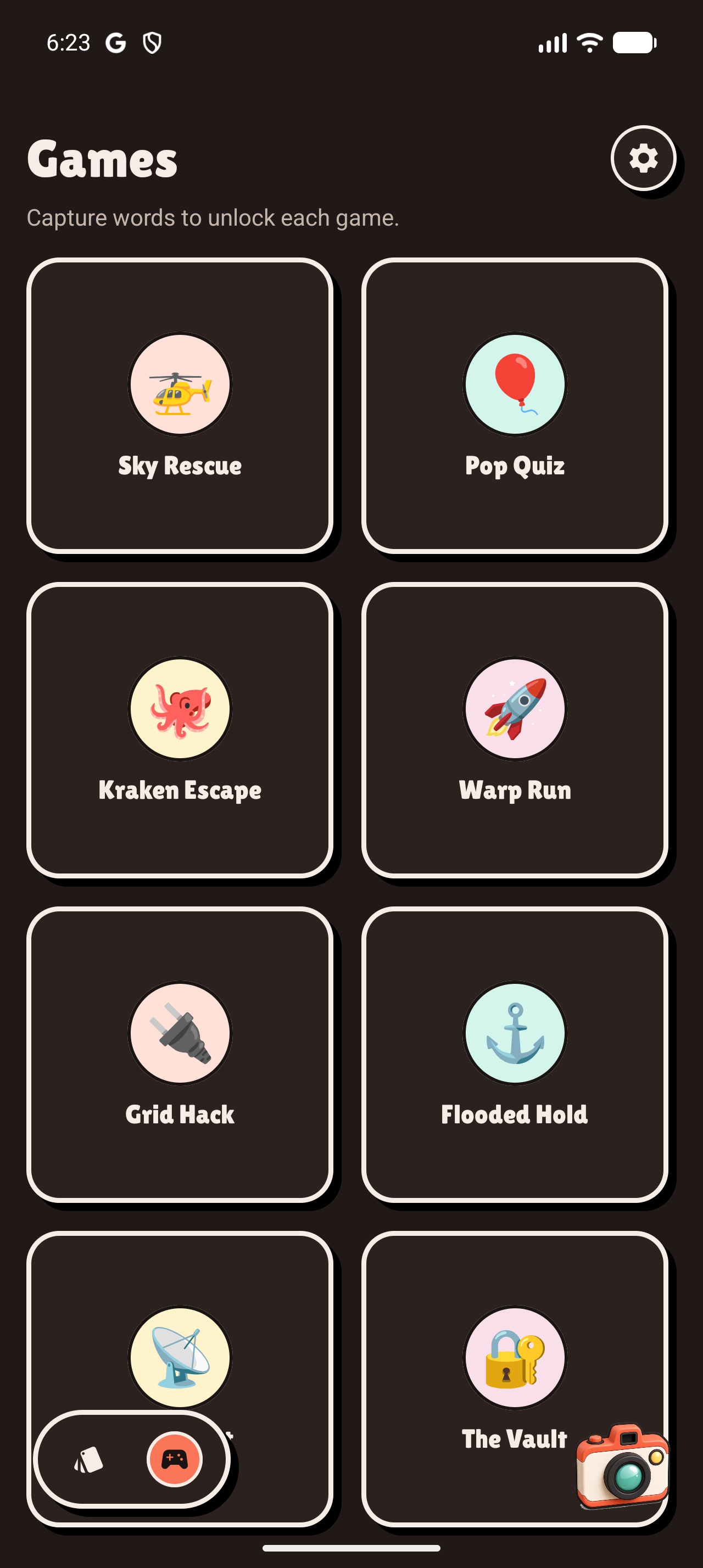
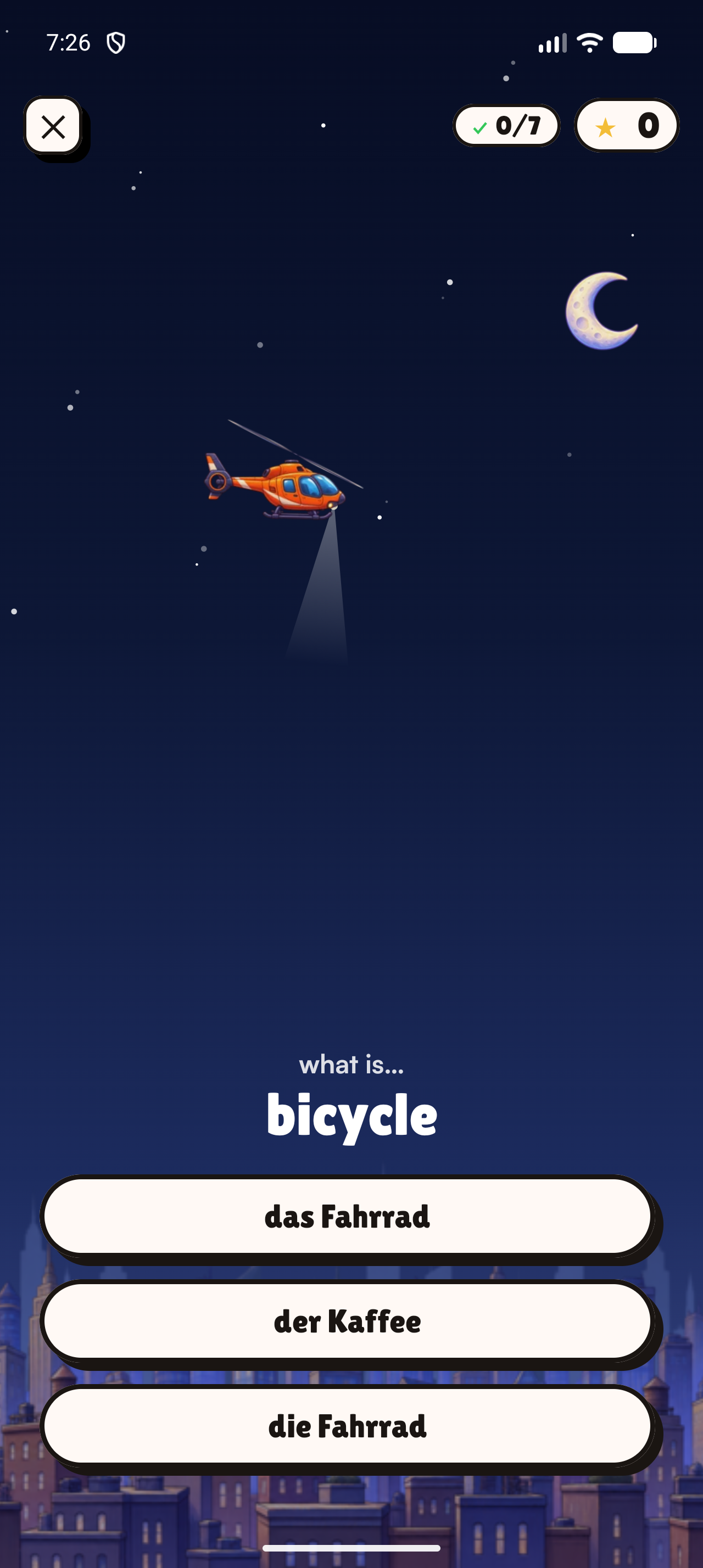
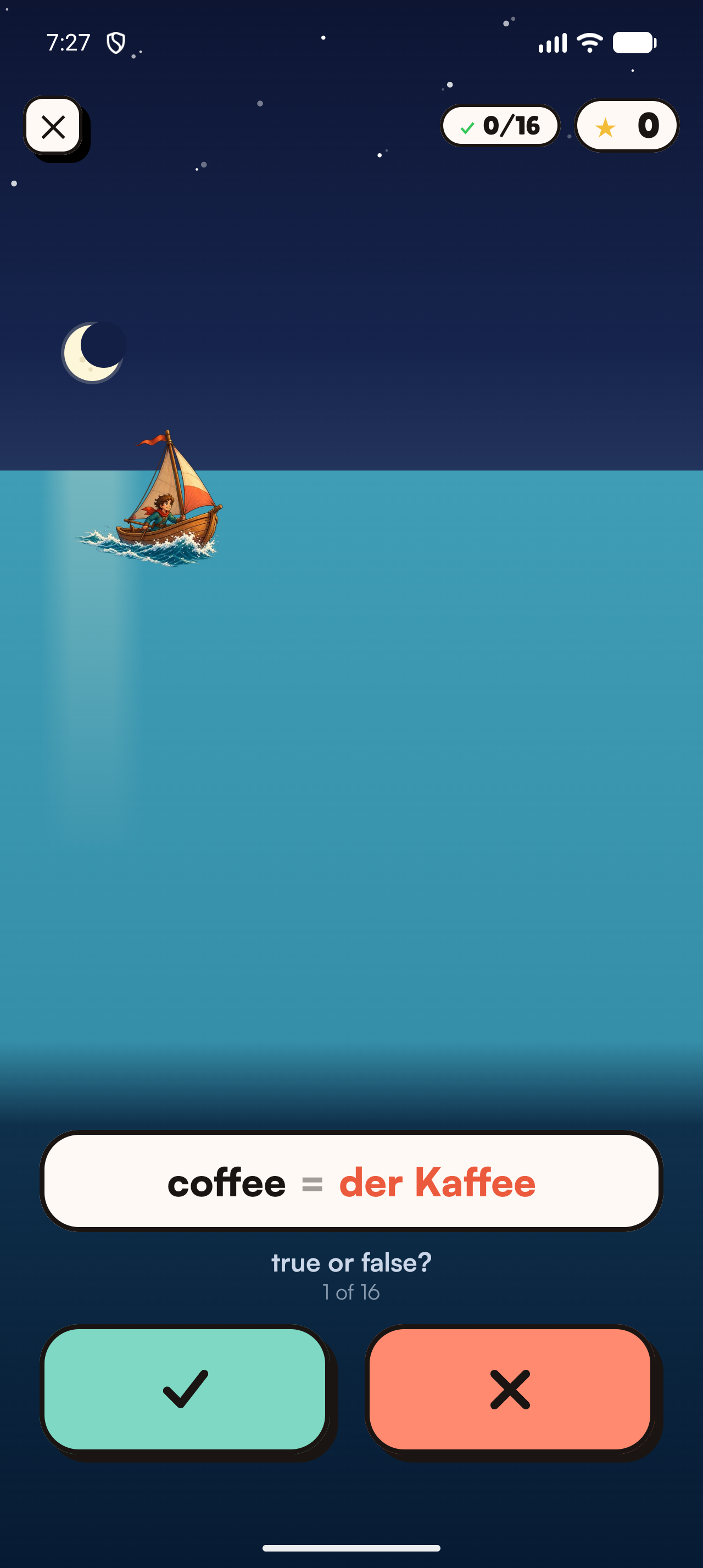
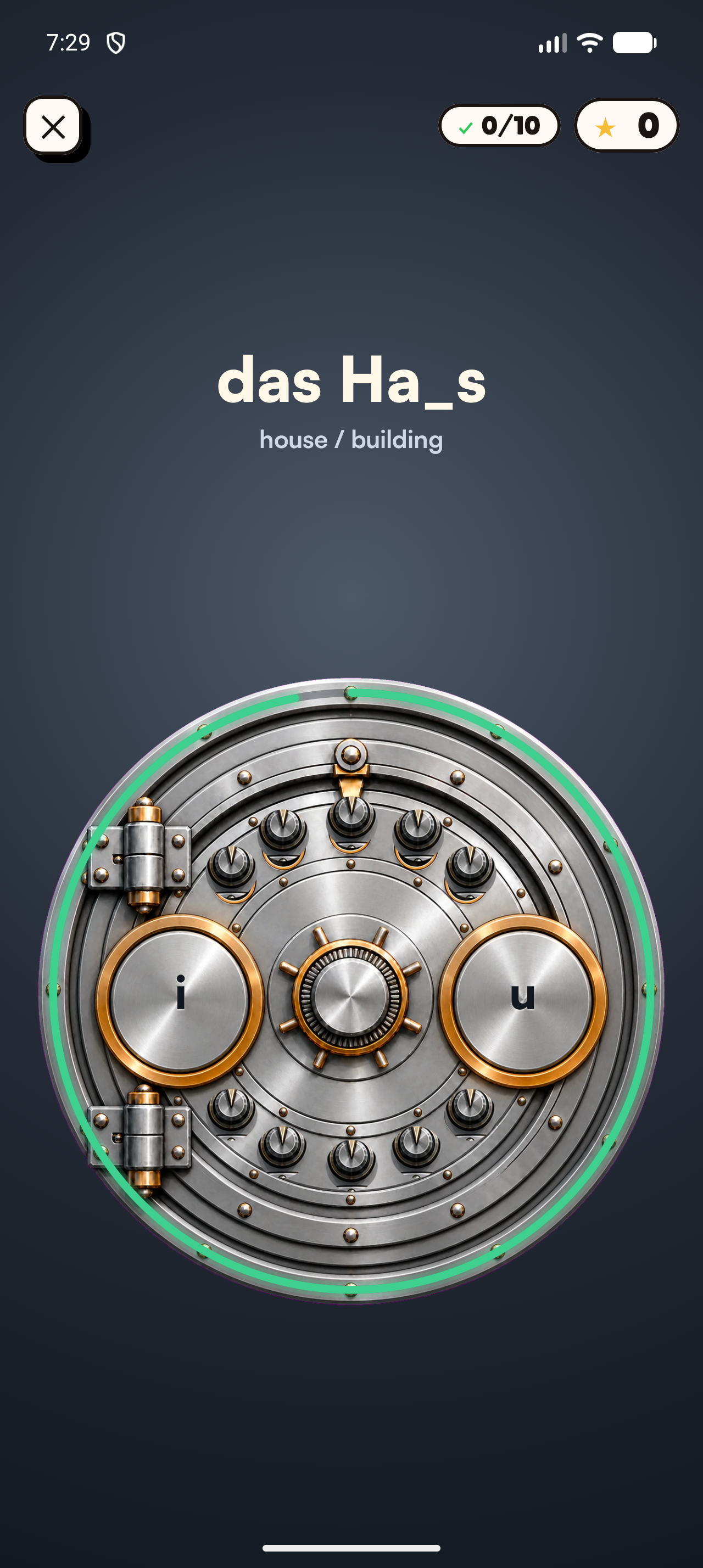
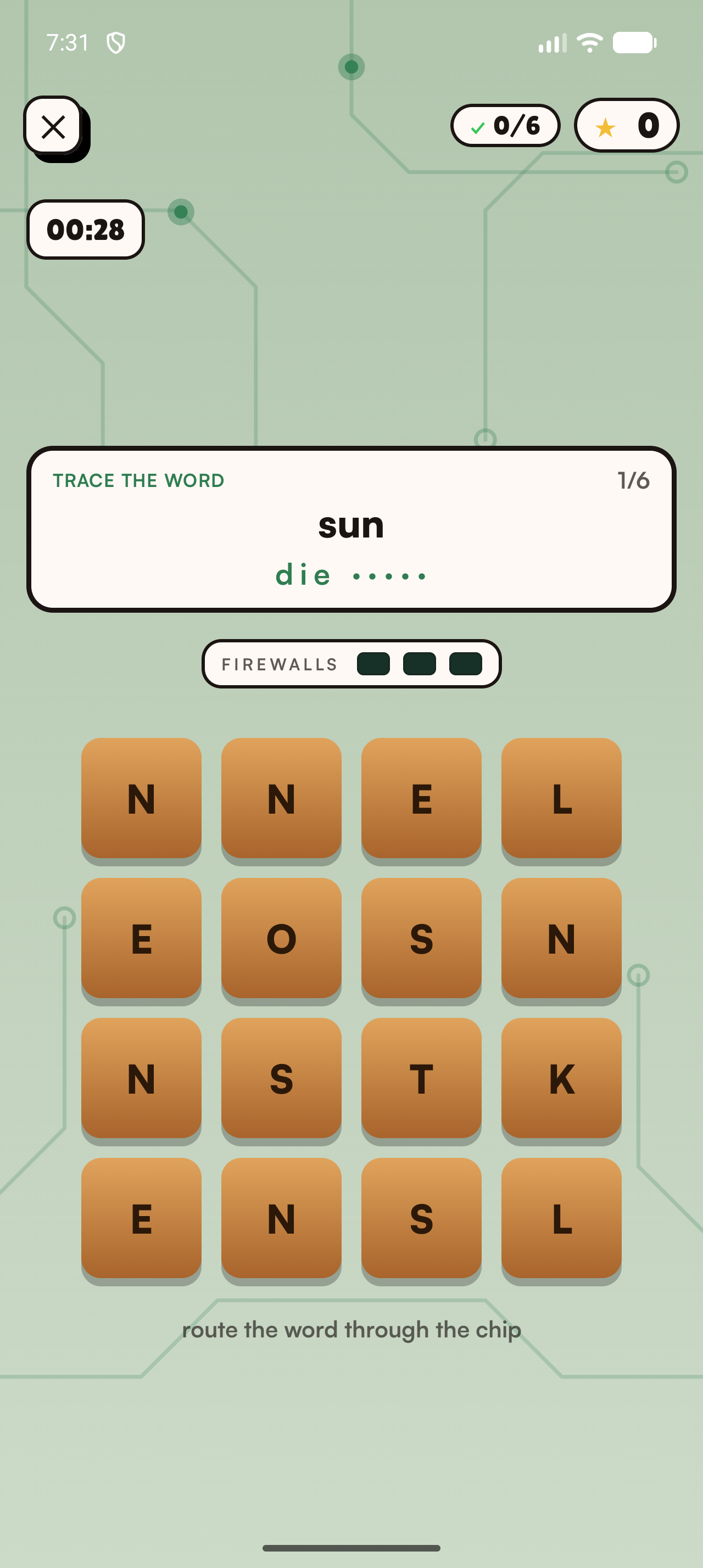
Sky Rescue, Pop Quiz, Kraken Escape, Warp Run, Grid Hack, Flooded Hold, Intercept and The Vault. Every round is generated from words you captured and the photos you took, so practice is never a stock deck. Games unlock as your collection grows.
Stickers
Any saved word turns into a sticker, cut out on its own, or captioned with the word or its pronunciation, with optional Holo and Glow finishes. Add whole sticker sets straight to WhatsApp, or copy one to paste into iMessage.
Widgets
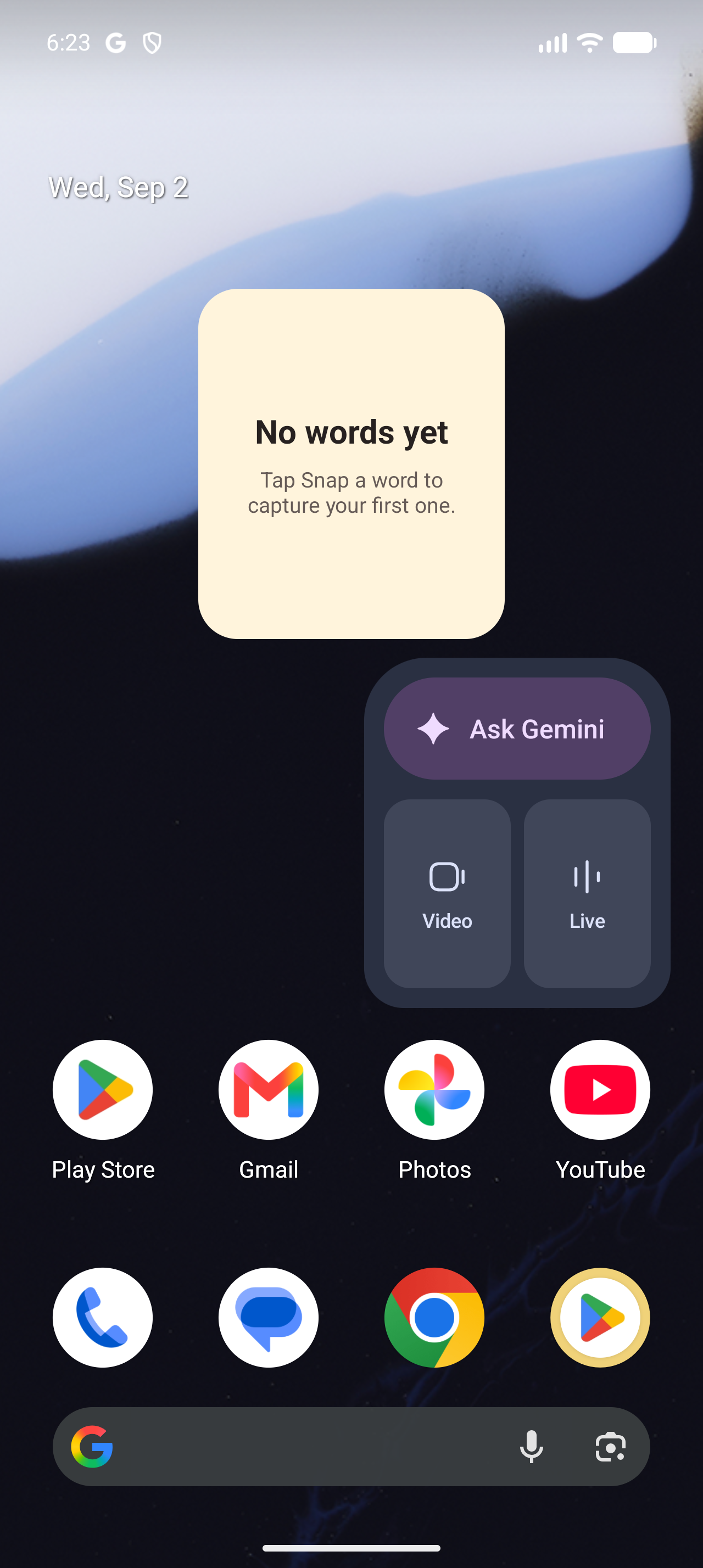
A word from your own collection sits on the Home Screen, and on iPhone the Lock Screen too. Tap it to open that word in the app.
Privacy
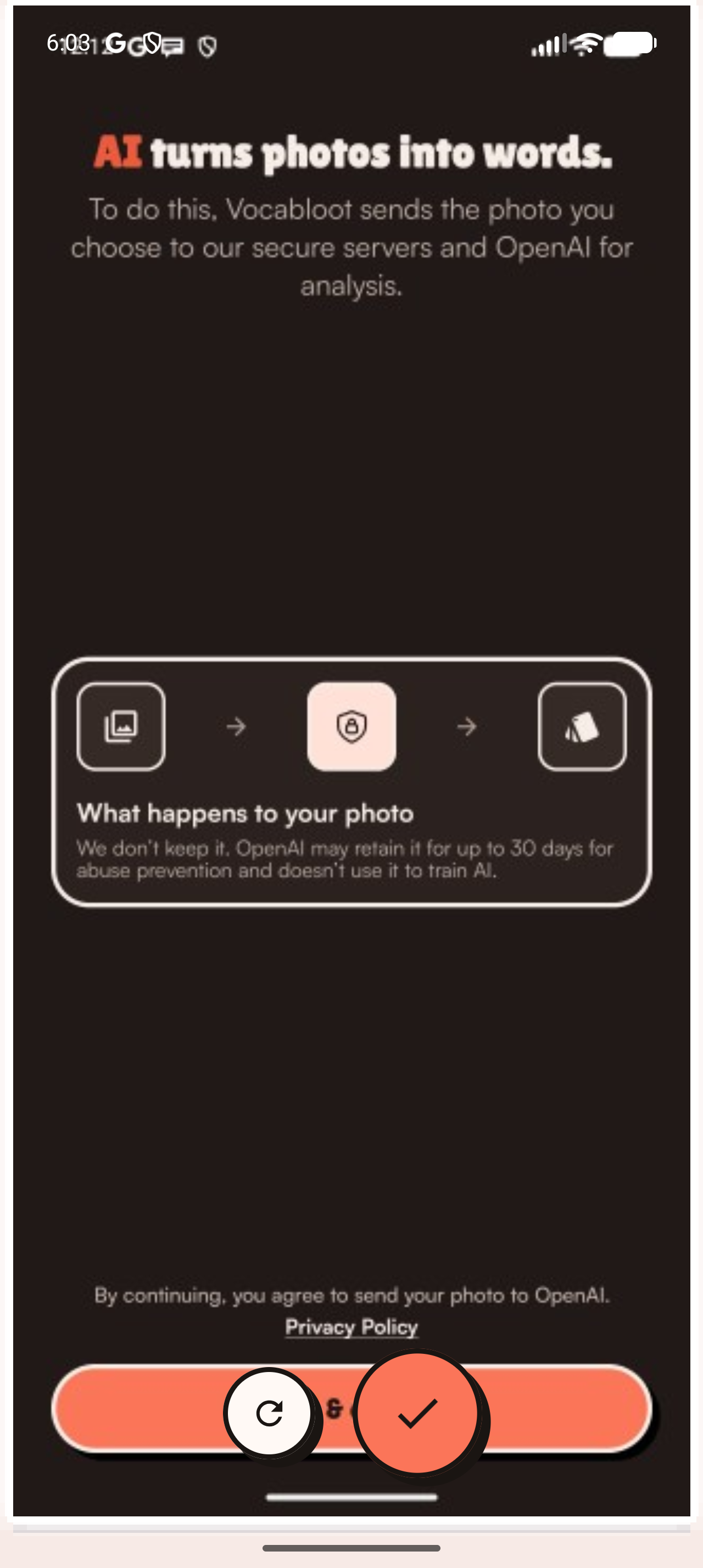
Vocabloot stores no image on its own servers. Analysis runs through OpenAI, which may hold an image up to 30 days for abuse prevention and does not train on it. Usage analytics are opt-in and never include photos.
Export and import
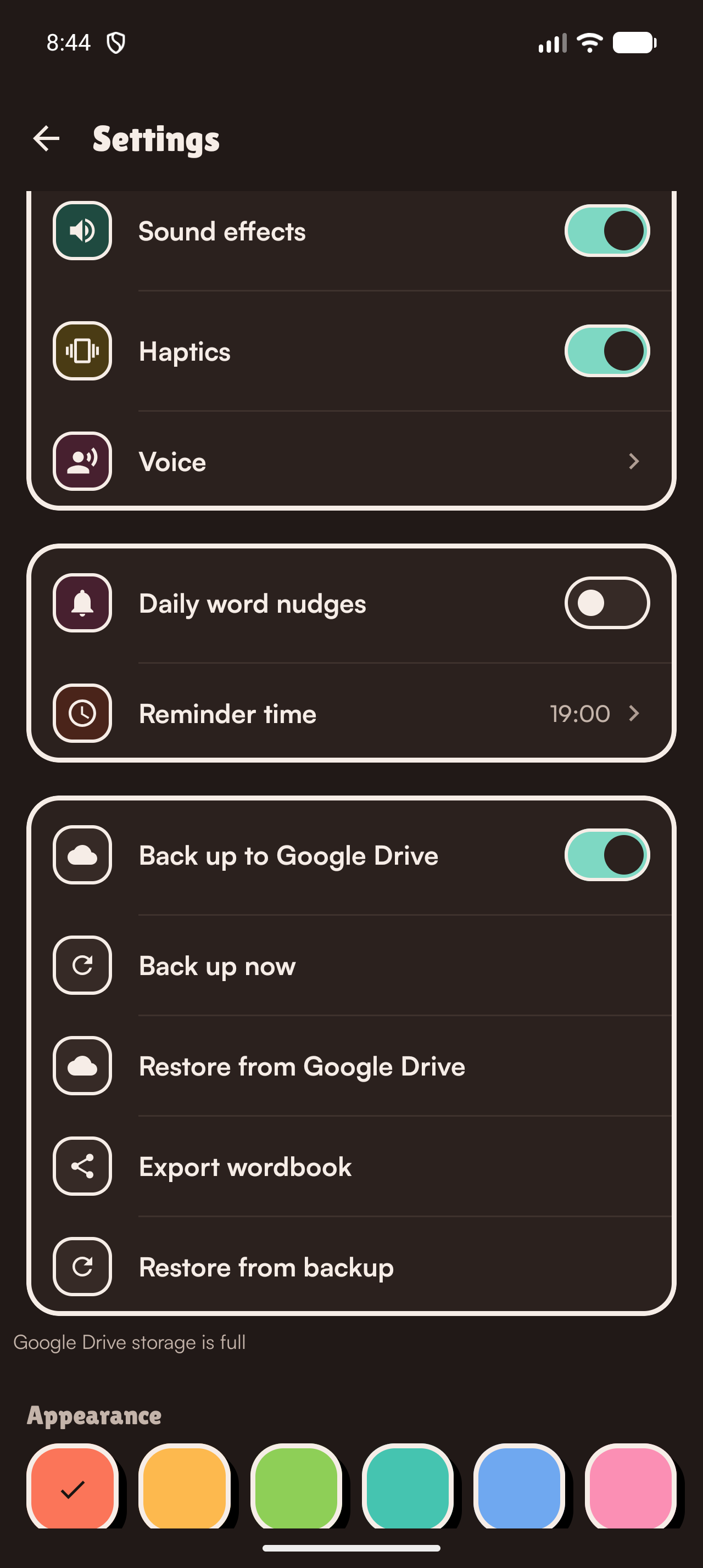
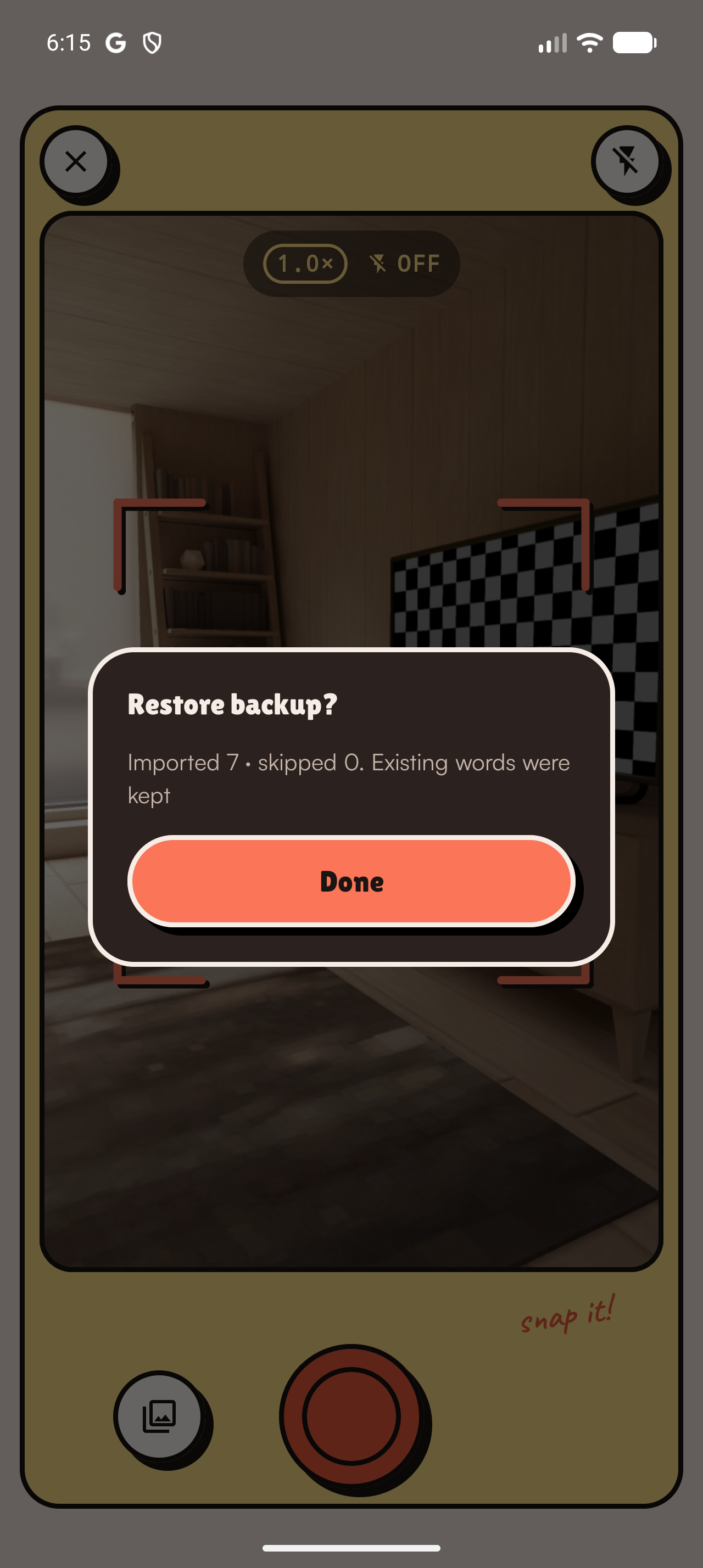
Every word is saved with its photo and date, and the whole collection exports to
a single .slbackup file you keep. Restoring merges rather than
overwrites, so existing words stay put, and the app reports how many were imported
and how many skipped. Switch the language you're learning and your saved words are
retranslated.
Vocabloot Studio
That exported file also opens at studio.vocabloot.com, a browser tool that turns six of your own words and their photos into shareable clips: 6-second showcase videos in Story, Portrait and Square, or a 24-second playable catch game with its own soundtrack. It runs entirely in the browser: the backup is never uploaded.
Languages
10: English, Spanish, French, German, Japanese, Italian, Korean, Mandarin, Portuguese and Dutch. English ships in both US and UK varieties.
Images
App icon


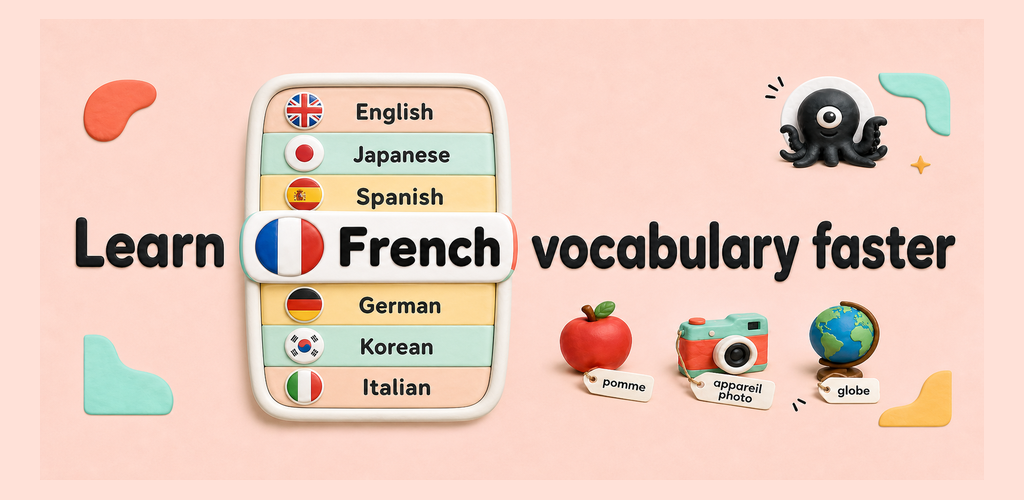
Cover art
Screenshots
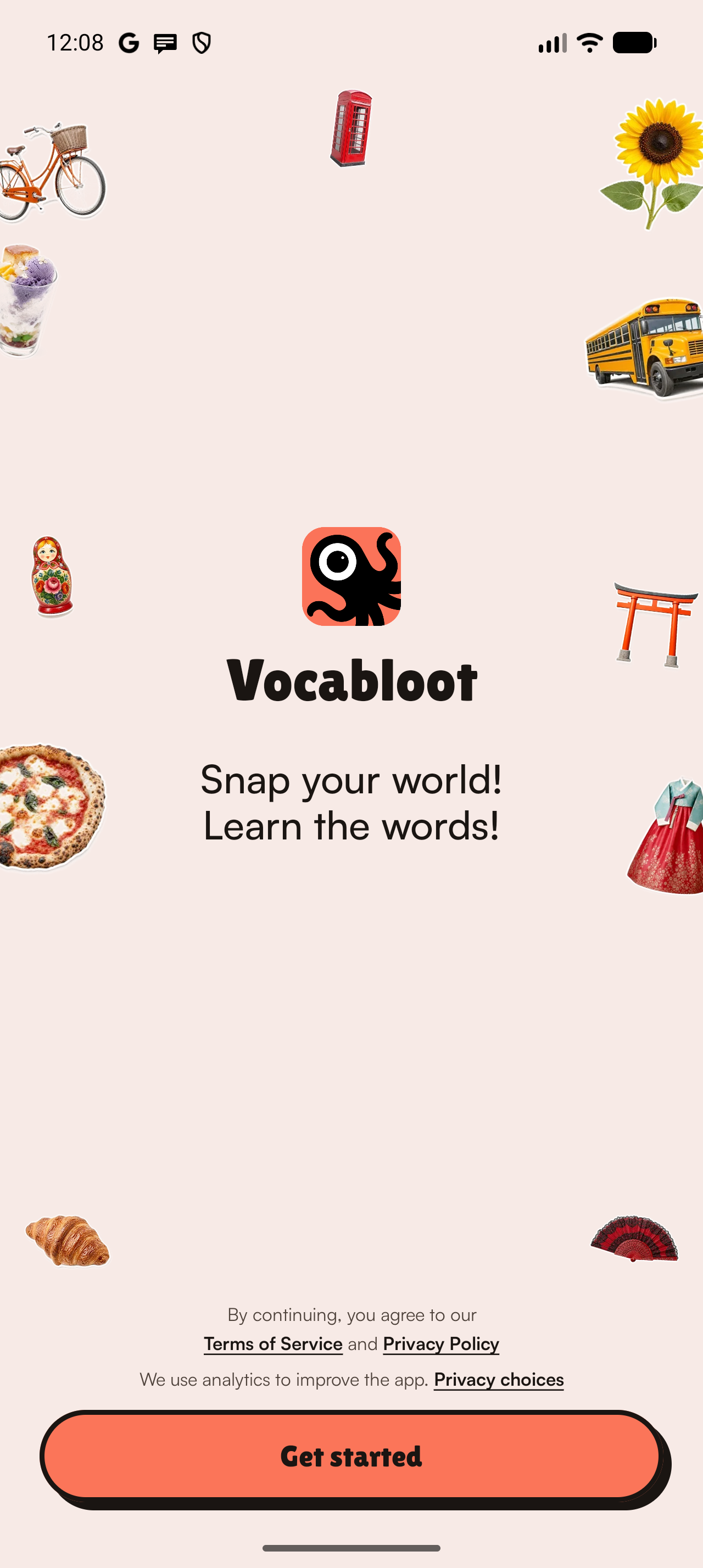
Full-resolution, unframed Android captures are organized by product flow. Each image may be downloaded directly; the complete library is also included in the press-kit zip.
Onboarding and capture
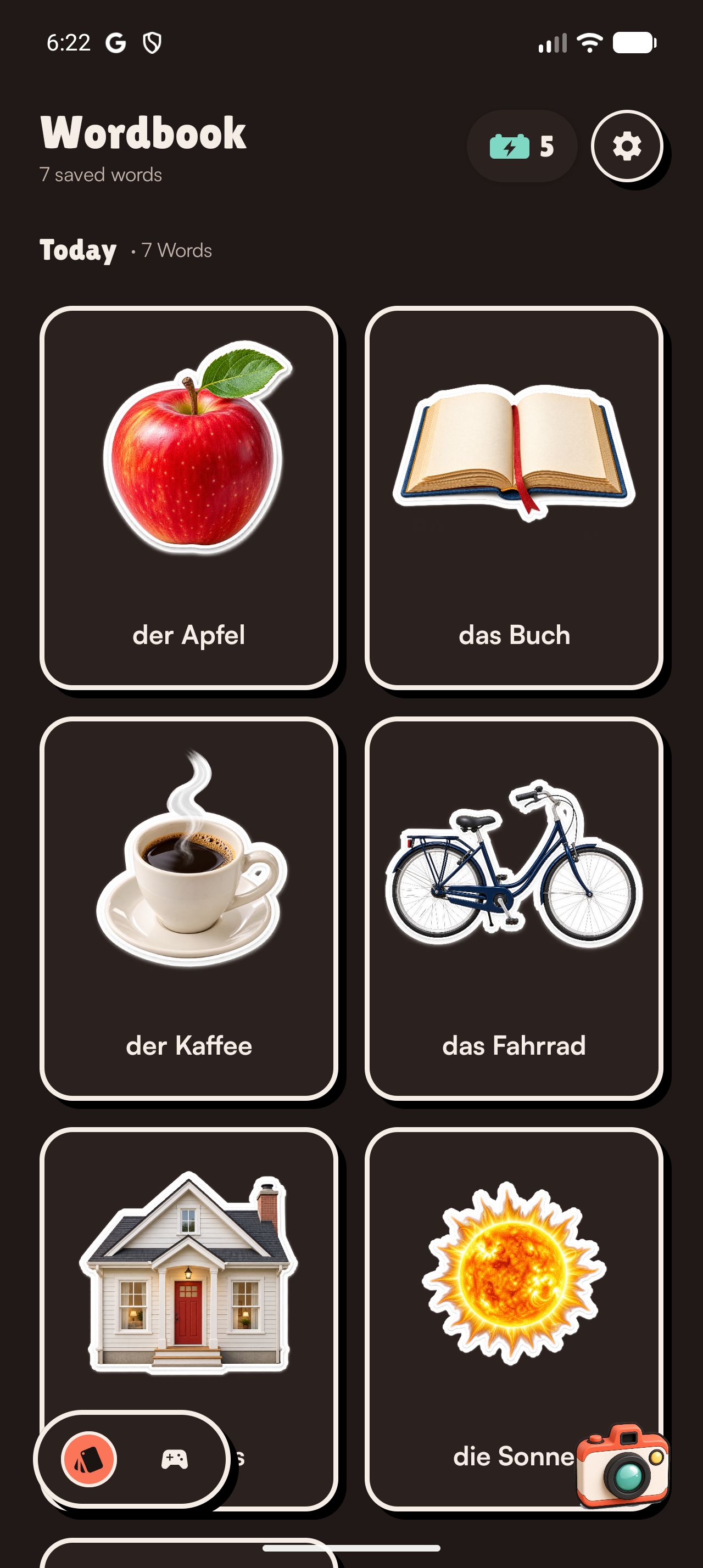
Wordbook, audio and clickable text
Games built from saved vocabulary
Widgets, notifications and backup
Video
A 30-second product demo.
Download product-demo.mp4 (3.3 MB)
Files
Product pitch PDF Editable pitch PPTX
App icons, generic product pitch in PDF and PPTX, the organized full-resolution screenshot library, and a plain-text fact sheet.
Fact sheet
| Name | Vocabloot: Snap, Learn, Play |
|---|---|
| Team | Vaazh Studios: Nirmal Jeffrey Bernard Wilson — Engineering & Product; Phravin Xaviour — Product & Marketing; Nivas — Product Design |
| Platforms | iPhone and iPad (iOS); Android phones and tablets |
| Price | Free to download. 6 snaps on your first day, then 2 per day. Premium $19.99 per year for unlimited use, subject to a fair use policy. |
| Languages | 10 |
| Availability | Available now on the App Store and Google Play, in 175 countries and regions |
| Press contact | founder@vaazhstudios.com |